TAVR Study
Pre-operative study to evaluate several characteristics of the hear while specifically looking at the aortic valve
Includes
CT chest + abdomen + pelvis
CT coronary calcium score
CT 3D evaluation of aortic valve and coronary arteries
Step 1:
Coronary Calcium score
Read this as described in the coronary calcium score page
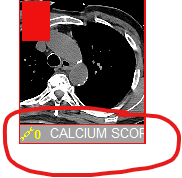
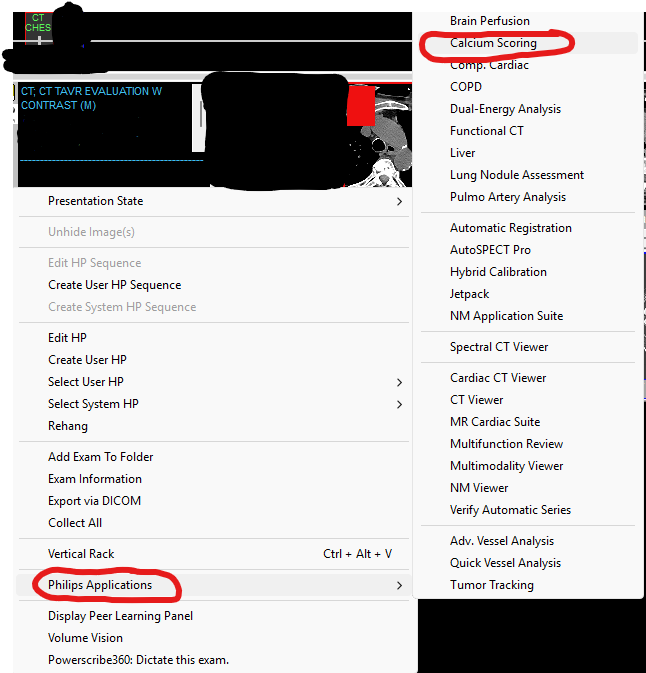
There will be like 100 images in PACS, for the calcium score you want the one that explicity says “Calcium score” to open in the Philips application
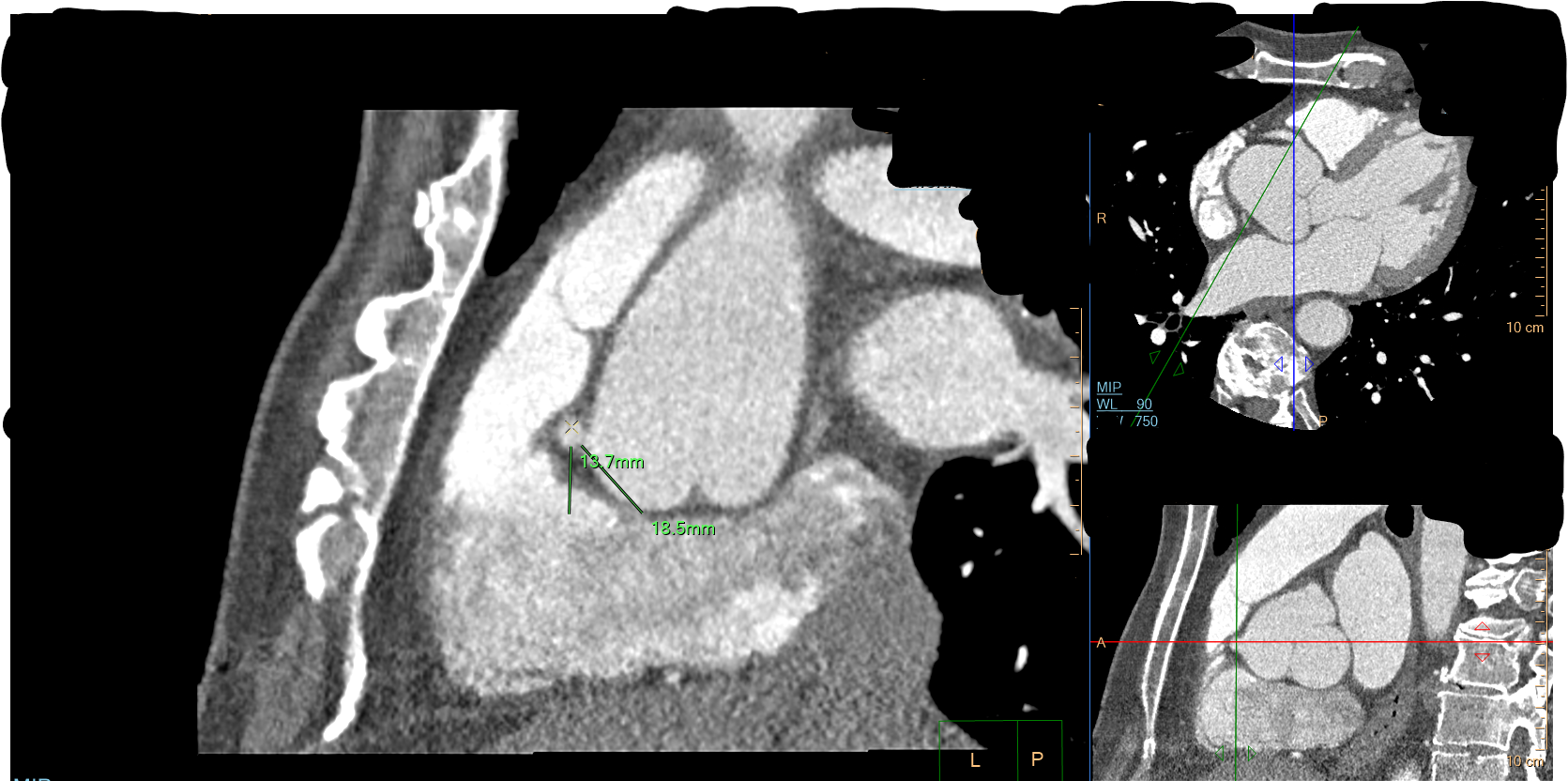
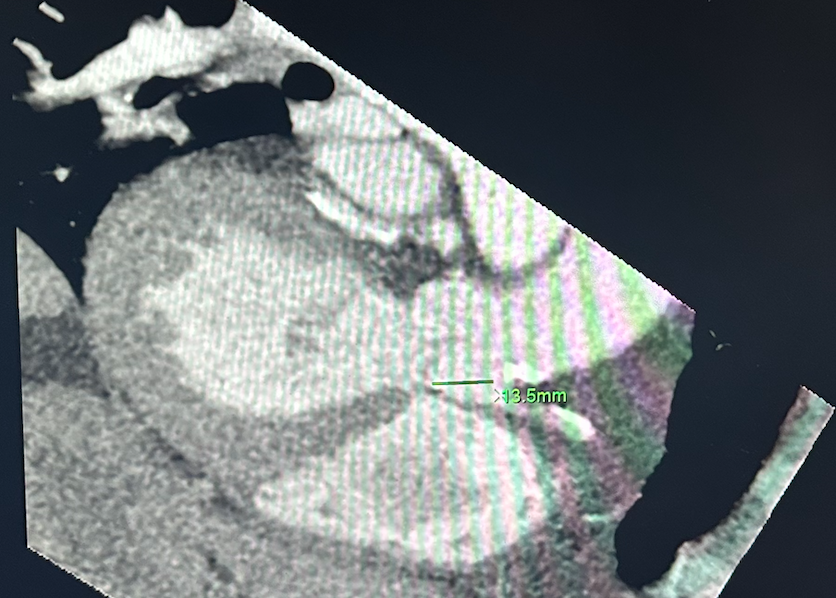
LCA origin to aortic valve
STEP 2
Step 2:
Read the chest, abdomen and pelvis like normal
You need to explicitly comment on the anatomy of the femoral arteries as this is likely going to be the access site for the procedure and they want to know what they are dealing with
If abdomen and pelvis are not done, oh well, just read the chest
STEP 3
Step 3: TAVR Analysis
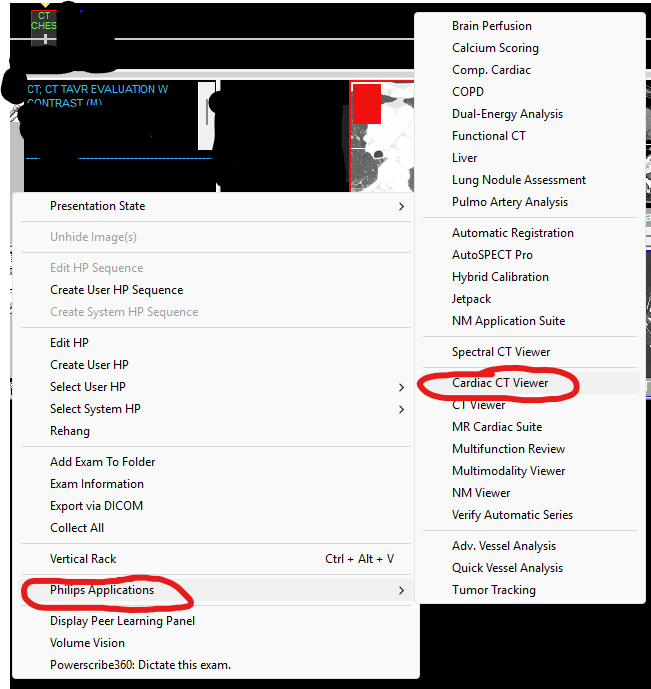
Right click gray bar under the CT that says 75%—> Philips applications —> Cardiac CT viewer
A pop up window will then show up asking which images you want to open, all are selected by default, click open at the bottom —> may take awhile to load
Part A: Aortic Valve
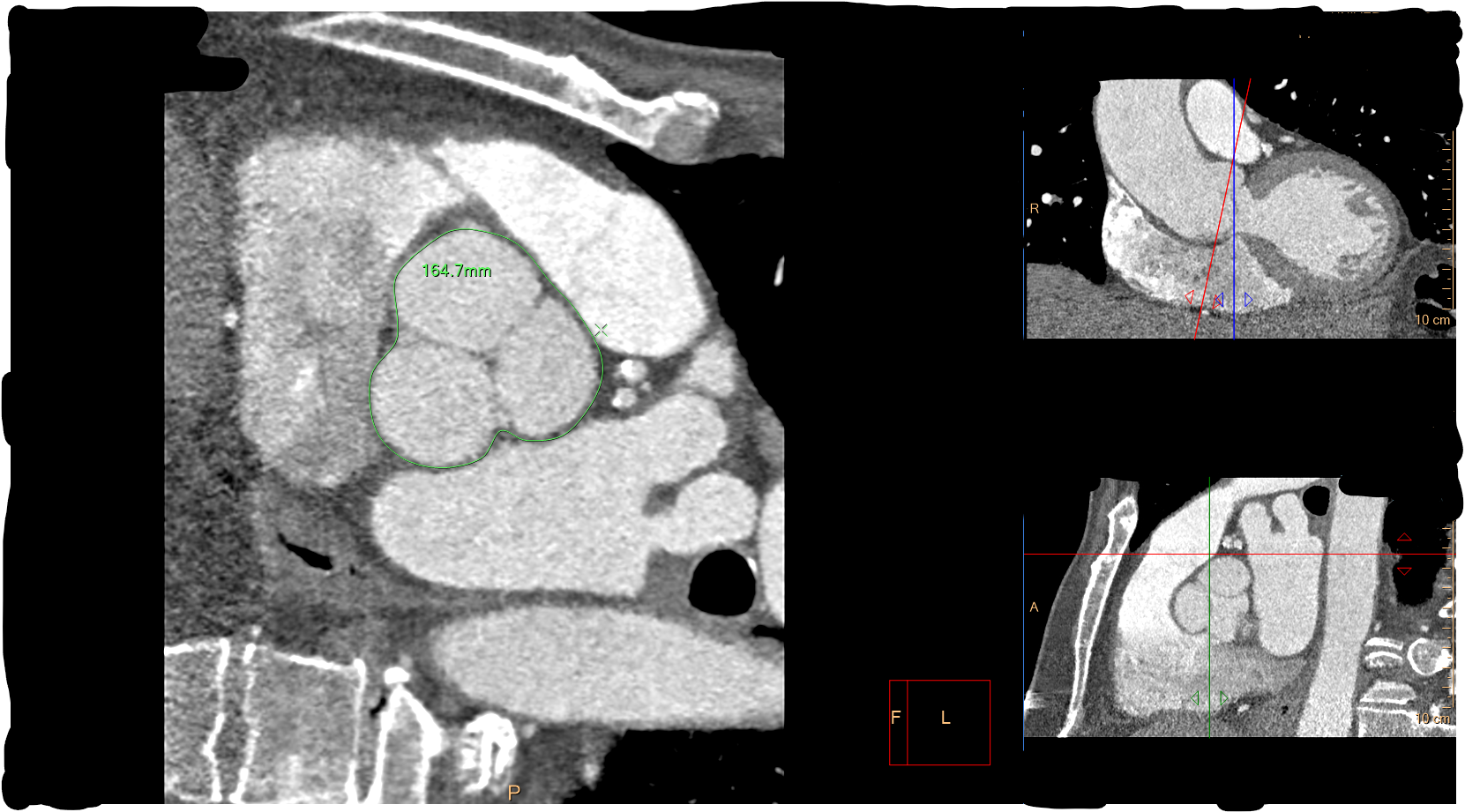
Axial window is big (sagittal and coronal are the ones you move the lines on)
Align the lines so that you can see the aortic valve in plane on the axial
Evaluate if tricuspid (normal) or bicuspid, or any other fuck shit
Need to measure diameter of valve
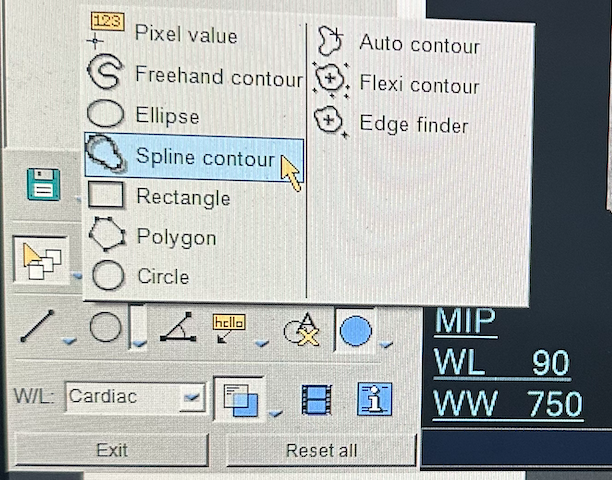
Use spline tool (bottom right corner) —> circle tool dropdown menu —> spline contour
Drop the ROI along the periphery then double click to get out of the measuring tool
Report value in dictation
Save image via
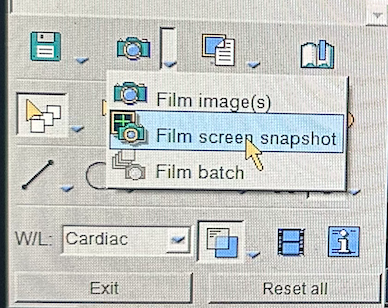
Bottom left —> camera dropdown —> film screen snapshot THEN
Bottom left —> save icon dropdown —> save screen snapshot as
Click the PACS (which should be auto-selected already)
LV outflow tract with proximal aorta
Click the angle measurement in the bottom left and draw line from apex of LV to aortic valve, then second portion extending from valve along the plane of the ascending aorta

Part B: Coronary Arteries
Need to find the right and left coronary artery origins off the proximal aorta
Need to do this so they know what size valve to put so that when its placed they do not occlude the coronary arteries
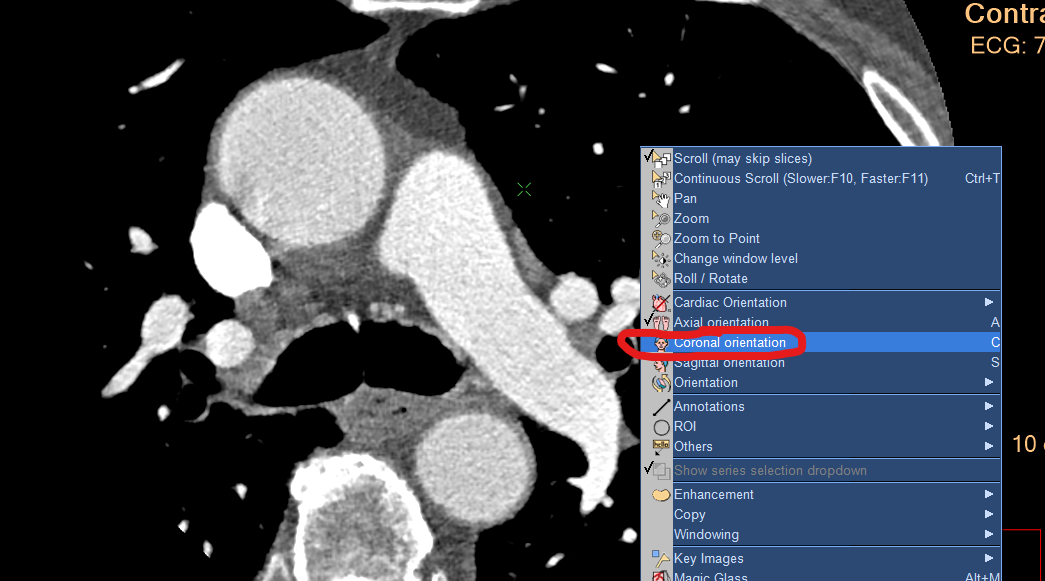
Do this in the coronal plane (coronal image needs to be big with the axial and sagittal with the lines you can manipulate on them)
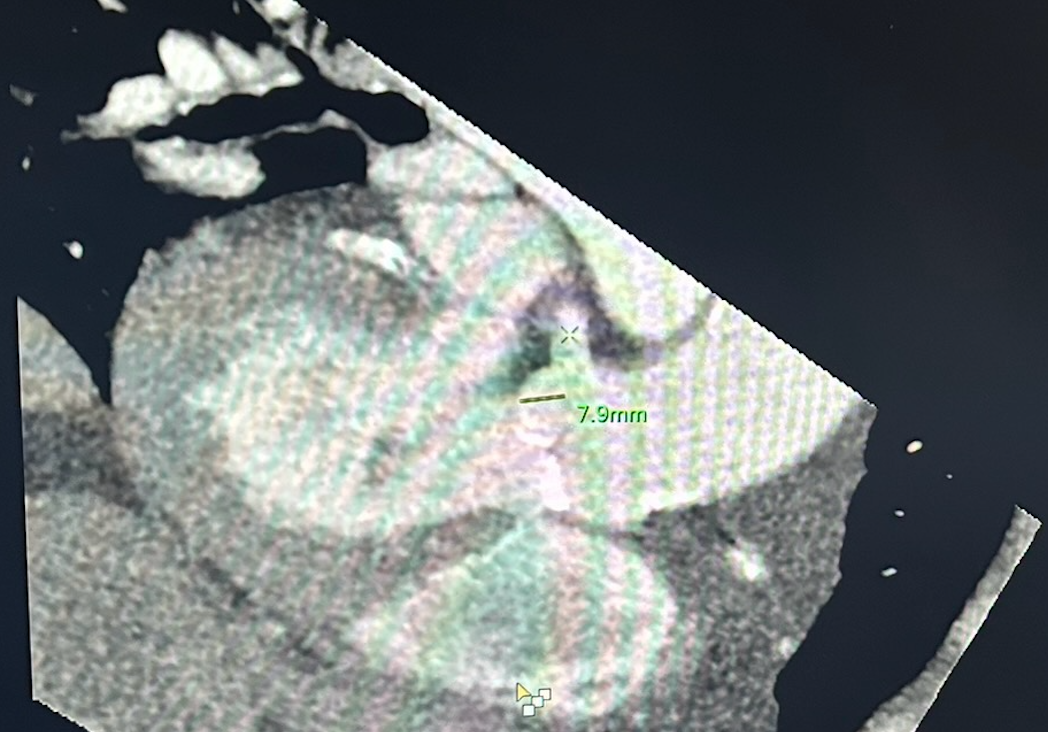
Once you find the image where you can see the RCA origin + aortic valve in same plane and subsequently the LCA origin + aortic valve in same plane you need to measure the distance from the origin of the coronary artery to the valve
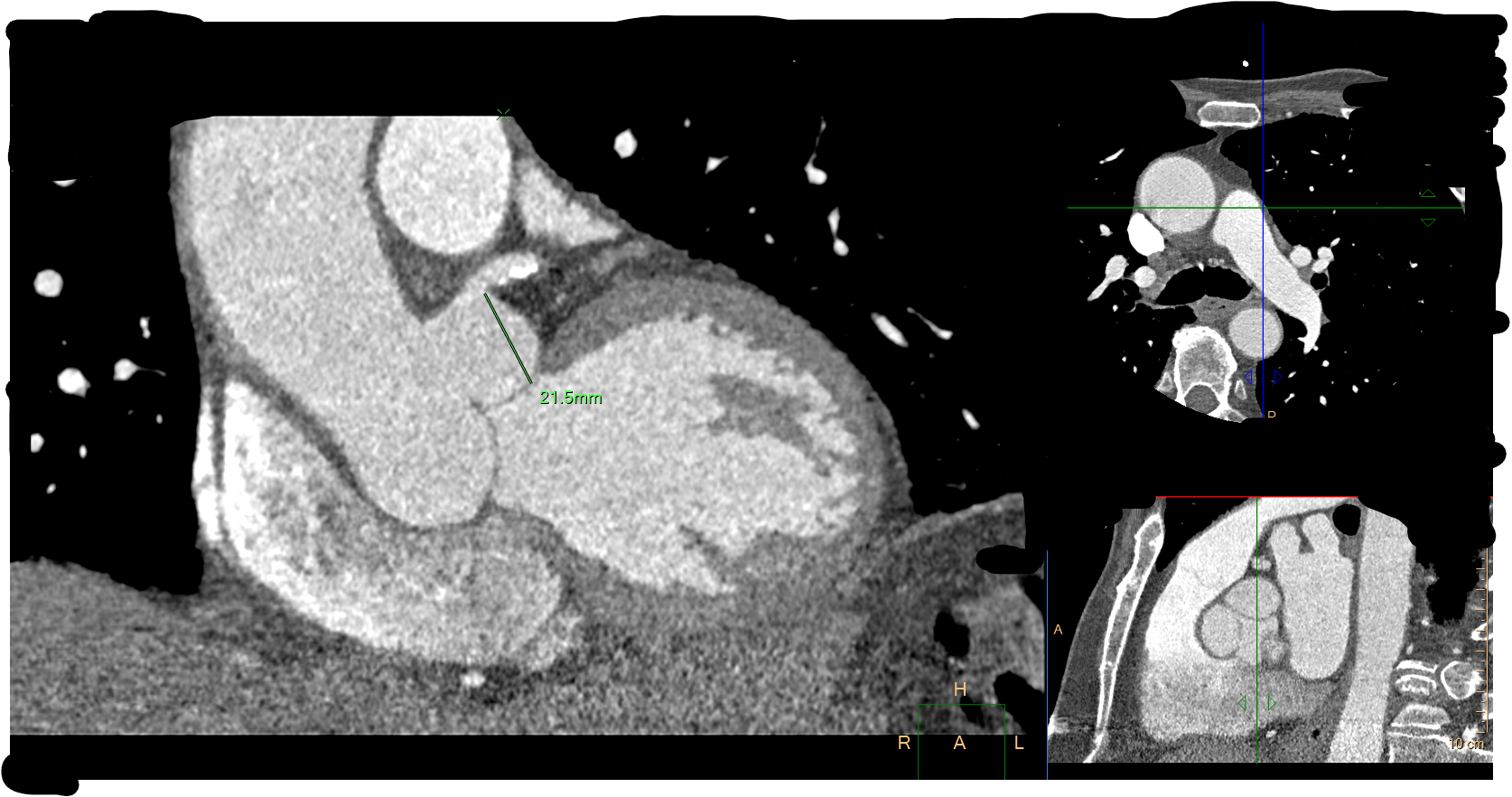
RCA origin to aortic valve